Latest News
 Source: Manus
 Source: Manus
 Source: Manus
- Source: OpenAI

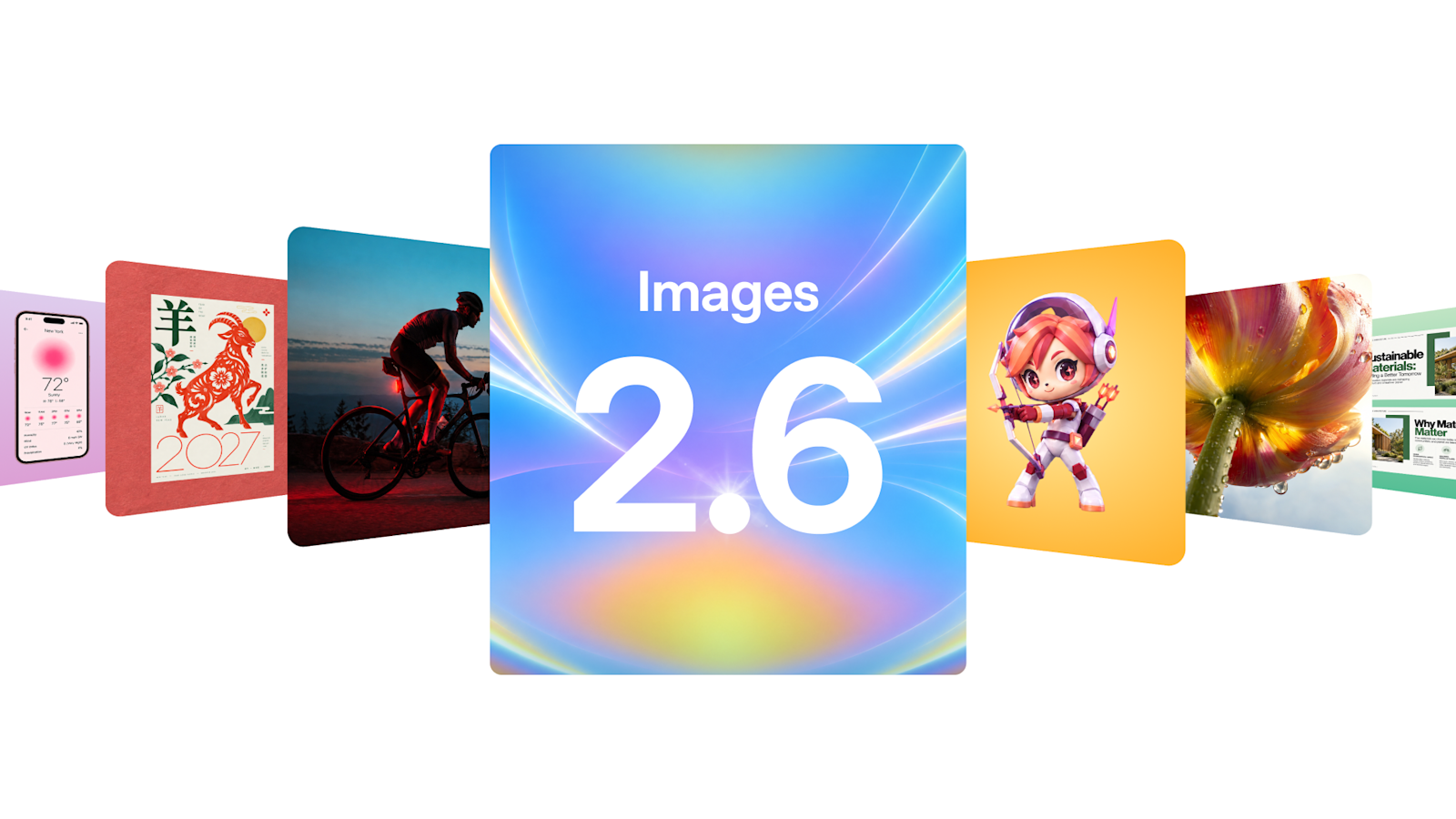 Source: OpenAI
- Source: OpenAI
- Source: OpenAI
 Source: Manus
 Source: Anthropic
- Source: OpenAI
You already know your way around Claude Chat. You build Projects, use Connectors, run Research, create Artifacts, and turn repeatable work into Skills. You're using Claude as a collaborator, in the conversation alongside you at every step. Cowork is Claude as a delegate rather than a collaborator. It runs directly on your computer with access to your actual files, and rather than guide it step by step, you describe an outcome and Claude takes over. This course works through every layer of Cowork, from your first delegated task to Projects, Skills, Connectors, scheduled work, and assigning tasks to Claude from your phone. You'll come out with a full system for delegating real work. What You'll Learn The Cowork Task Loop & File Outputs — Set up Cowork, write outcome-based prompts, and produce real Excel, PowerPoint, Word, and PDF files directly in your folders Projects & Persistent Memory — Build Cowork Projects that carry instructions, memory, and folder access across every task, getting sharper the more you use them Skills & Plugins — Capture refined workflows as Cowork Skills that span files, tools, and Connectors, and install Plugins built for specific roles Connectors — Bring Gmail, Notion, Drive, Slack, and others into fully delegated workflows that span multiple sources in one task Scheduled Tasks & Dispatch — Run Cowork workflows on a cadence, and assign tasks to Claude from your phone while your desktop does the work
You already know your way around Claude. You can prompt effectively, you understand the basics of data privacy and workplace usage, and you're getting value from it daily. But you know there's more. Projects, Skills, Connectors, Research mode, Artifacts. You've heard of them, maybe tried a few, but you're only scratching the surface. This course closes that gap. We work through every major feature in Claude's chat interface, on both claude.ai and the Desktop app, and show you how to set them up, use them properly, and combine them into workflows that compound over time. What You'll Learn Projects: building dedicated workspaces with persistent instructions, knowledge bases, and memory that make every conversation smarter Deep Research & Enterprise Search: using Research mode for comprehensive, citation-backed reports, and searching across your organisation's internal tools Artifacts: creating interactive tools, downloadable documents, dashboards, and visual outputs directly in the chat Skills: teaching Claude reusable processes so it follows your standards every time, without re-explaining Connectors: pulling information from and taking action inside the tools you already use, all without leaving Claude
AI is no longer a separate tool you switch to. With Microsoft 365 Copilot, it's built directly into the apps you already use every day. This course teaches enterprise employees how to use Copilot effectively across their entire Microsoft 365 environment. Move beyond basic questions to develop genuine competency through practical frameworks, hands-on exercises, and real workflows grounded in your own work data. Learn what makes Copilot different from other AI tools, how to search and reference your actual files and meetings, how to write prompts that get useful results, and how to chain features together into workflows that save real time. What You'll Learn Understanding Copilot – What grounding means, where Copilot lives, how it connects to your work data, and how your data stays safe The Microsoft 365 Copilot App – Search, Chat, referencing with / and +, specialist agents with @, thinking modes, and Copilot Pages Prompting Effectively – The Goal / Context / Source / Expectations framework and iteration techniques that get you usable results Platform Walkthrough – Copilot in Word, Excel, PowerPoint, Outlook, and Teams
A fast, hands-on intro to Manus—the AI that uses its own computer to research, operate apps, and ship end-to-end deliverables (docs, slides, spreadsheets, webpages, images). In under an hour, you’ll go from “What is Manus?” to producing real artifacts. You’ll see Manus plan tasks, browse like a human, log into accounts (with permission), run wide research in parallel, and hand back polished outputs you can share with stakeholders.
You've probably already used ChatGPT - maybe for drafting emails, brainstorming ideas, or writing some documents. You've seen how useful it can be. This course will help you get even more out of it ChatGPT Enterprise Fundamentals teaches enterprise employees how to use ChatGPT effectively, safely, and responsibly at work. Move beyond trial-and-error to develop genuine competency through practical frameworks, hands-on exercises, and enterprise-specific governance training. Learn what ChatGPT can and cannot do, how to protect sensitive data, how to write prompts that actually work, and how to leverage advanced features most people never discover. What You'll Learn AI Foundations & Mechanics - How ChatGPT works, hallucinations, knowledge cutoffs, and accountability Enterprise Governance & Data Safety - Workspace types, data classification framework, and legal responsibility Prompting & Effective Use - Frameworks (RTF, COSTAR), iteration techniques, and verification practices Platform Features - Files, Canvas, Projects, Deep Research, Apps, Custom GPTs, and advanced capabilities
Start with Manus fundamentals, then progress through intermediate and advanced workflows for using Manus on real work.